Snap your meal,
know your calories.
CaloriPanda is the calorie tracker that counts calories and macros from a photo of your food. Snap your plate and see calories, protein, carbs and fat in seconds. No scales, no endless food databases.
- Instant results
- Barcodes and labels
- Steps and workouts




Starts with one photo, carries your whole day.


So tracking never feels like work.
The hard part of counting calories isn't the eating, it's the logging. CaloriPanda takes that part on.


On track, without opening the app.
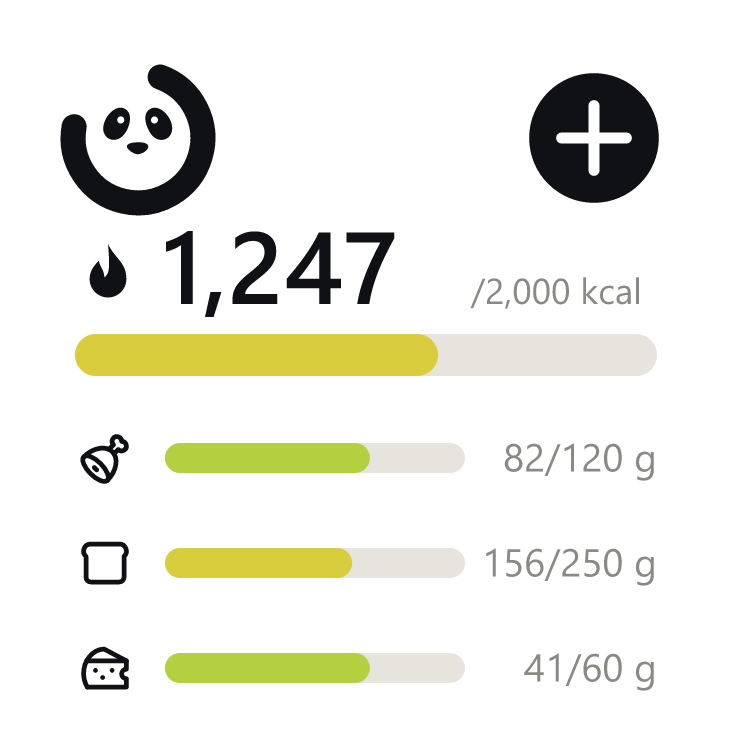
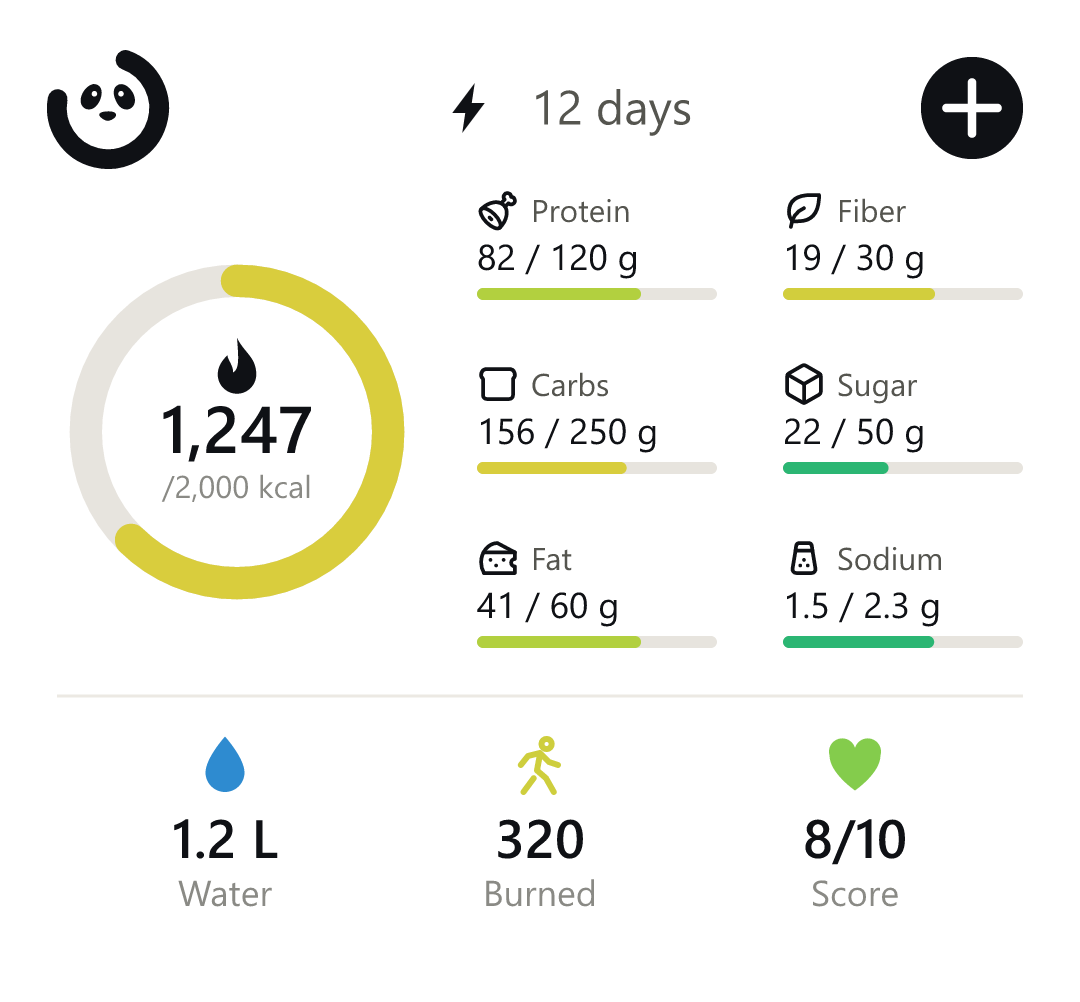
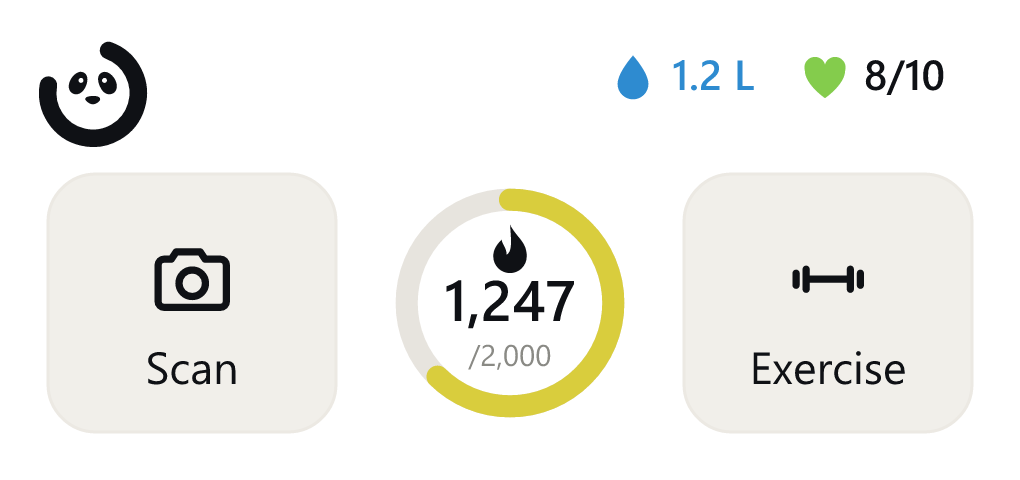
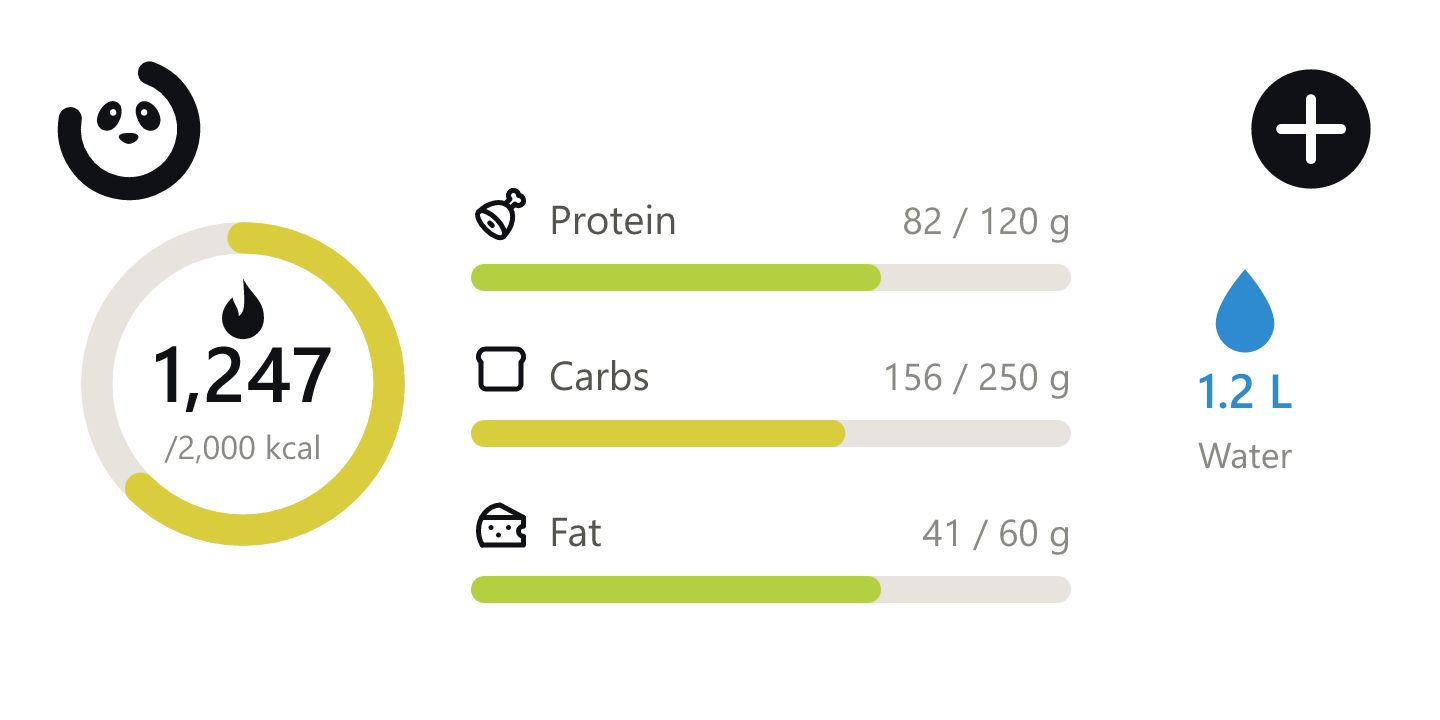
Your calories, macros, water and daily score, right on your home screen. Scan, log water or add a workout with one tap from the widget.
Questions, answered
How does photo calorie counting work?
You take a photo of your plate; CaloriPanda recognizes the foods on it, estimates the portions and shows calories, protein, carbs and fat in seconds. It picks out multiple dishes in a single shot, and if an estimate is off you can fix it with one tap.
Does it really recognize my food?
Yes. It's built to know every cuisine, from shawarma, biryani and mezze to sushi, pasta and pizza. One photo is enough, even when there are several dishes on the plate.
What if the estimate is off?
No problem. Adjust the portion, swap the dish or enter it manually. It takes a few seconds.
Does it work with my health app?
Yes. It connects to Apple Health on iPhone and Health Connect on Android, so your steps and workouts automatically feed into your daily calorie budget.
Are there home screen widgets?
Yes, on both iPhone and Android. Four widgets: Mini, Medium, Quick Add and Full Summary. You can start a scan straight from the widget with one tap.
Is my data safe?
Yes. Your health data is processed only with your explicit consent, encrypted in transit and stored on secure servers. Photos aren't stored permanently, and you can delete your account and all your data whenever you like.
Which platforms is it on?
iOS and Android. Download it from the App Store or Google Play and your account stays in sync across devices.
A healthier life starts with one photo.
Calorie tracking that knows every cuisine is coming soon to your pocket. It will be on the App Store and Google Play at launch.